HOW ODECARE REACHES YOU
Quiet when everything looks usual.
Persistent when something needs attention.
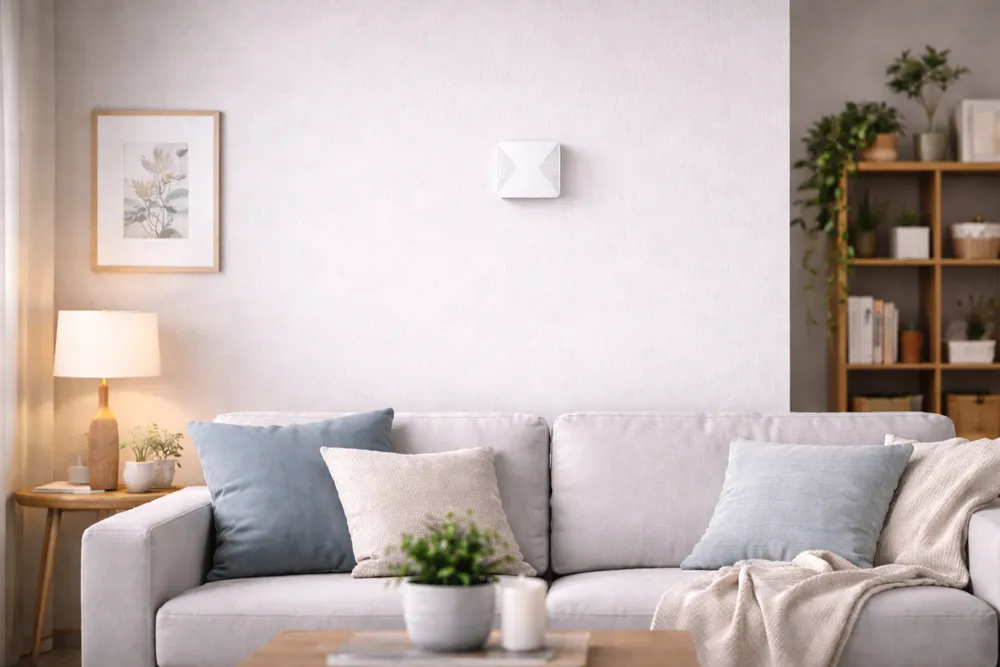
OdeCare learns your parent’s usual routine and notices when the day differs from it. No cameras, microphones or wearables — and when something needs attention, it follows up: app, messenger, then a phone call.
WHAT ODECARE NOTICES
OdeCare compares each day
with your parent’s own routine
Room sensors detect presence and movement. OdeCare learns when your parent usually gets up, visits the kitchen, leaves home and settles for the night.
It does not compare them with a generic standard. It compares today with what is usual in their home.
The day has started
The first morning movement was detected at the usual time.
Kitchen activity at the usual time
The morning routine looks similar to most days.
Left home and returned
The door opened again around 40 minutes later.
Settled for the night
Activity in the home decreased at the usual time.
The day has not started as usual
No movement has been detected where there is normally morning activity.
Unusual activity during the night
Movement was detected several hours before the day normally begins.
Longer than usual in the bathroom
The stay has lasted noticeably longer than is usual for your parent.
The front door opened during the night
The door opened at a time when it normally remains closed.
OdeCare decides what is unusual from your parent’s own history, not from a threshold chosen for everyone.
The app gives you the event, room and time in plain language. No pictures or audio.
WHEN SOMETHING NEEDS ATTENTION
One notification
can be easy to miss
You should not have to watch your phone all day. If you do not acknowledge the first notification, OdeCare moves to the next contact method.
1A notification in the app
The notification explains what changed, where it happened and why OdeCare is alerting you.
Worth checking: there has been no usual morning activity in the living room.
2A message in WhatsApp or Telegram
OdeCare sends a regular message through the messenger your family uses.
There is still no usual morning activity at home. Open the app or call your parent.
3A phone call
OdeCare calls the first person in your alert plan. If they do not answer, it moves to the next contact.
OdeCare
incoming call…
Each step happens only if the previous one goes unanswered.
YOU SET THE RULES
Choose who OdeCare contacts — and in what order
Start with yourself, then another family member, a neighbour or someone who has a spare key.
You can also set quiet hours so ordinary changes do not disturb the whole family during the night.
IF THE SYSTEM GOES OFFLINE
You will know when OdeCare stops reporting
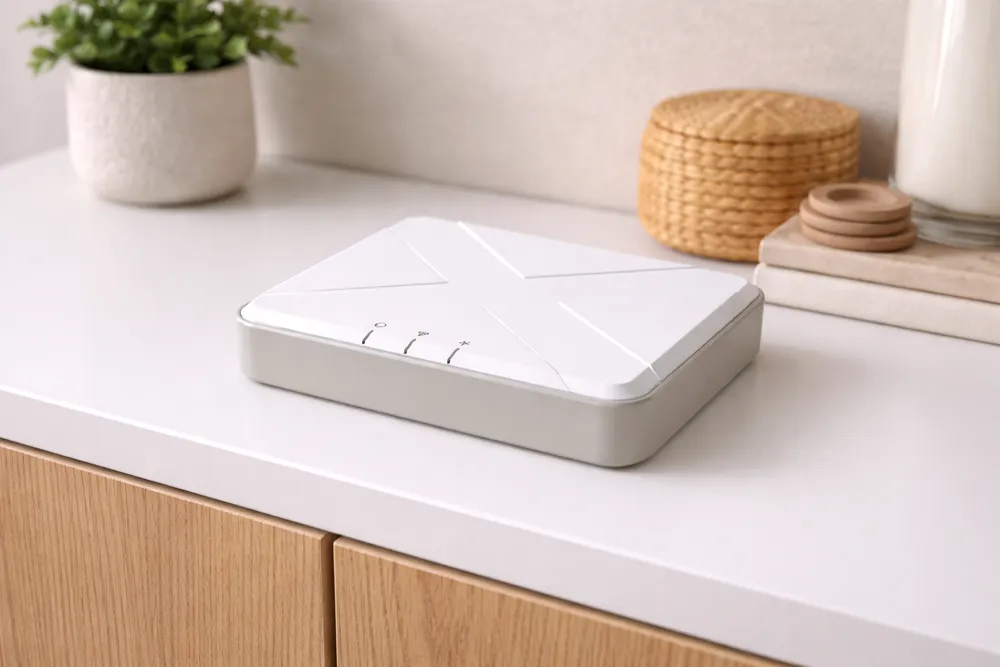
The home hub needs electricity and an internet connection. If either is lost, OdeCare sends a separate system notification and shows the home as offline.
This makes the difference clear: no unusual activity has been detected, or the system is temporarily unable to report.
Reporting resumes automatically when the connection returns.
NO CAMERAS OR WEARABLES
It works without your parent
remembering anything
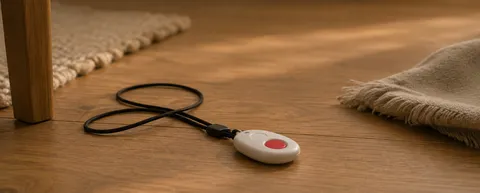
A pendant helps only when it is nearby and the person can press it. A watch must be worn and charged. Cameras watch the home in a way that many families do not want, especially in bedrooms and bathrooms.
OdeCare works from sensors installed in the home. Your parent does not need to wear, charge or press anything.
 Pendant or watch
 Cameras
 OdeCare
OdeCare is designed to work throughout the day in the rooms where it is installed, without requiring any action from your parent.
WHAT ODECARE IS — AND ISN’T
OdeCare is a home awareness system. It is not a medical device, clinical monitoring service or emergency response service.
It detects presence, movement and changes in routine. It does not diagnose conditions, measure vital signs or call an ambulance automatically.
No sensing system detects every event or guarantees complete accuracy. OdeCare gives families more context and alerts them when something differs from the usual routine.
In an emergency, always contact the local emergency services.
Set up an alert plan for your family
Tell us who should receive alerts and in what order. A specialist will help choose the equipment, install the system and configure the alert plan with you.