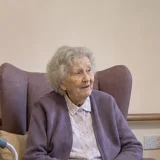
Margaret LewisBed A
In bathroom
- Sleep
- 8 hWithin usual range
- Night-time getting-up
- 3 timesIncreased
- Activity
- As usualWithin usual range
For nursing homes
Fall detection and 24/7 activity tracking for elderly residents, including sleep and night-time getting-up.
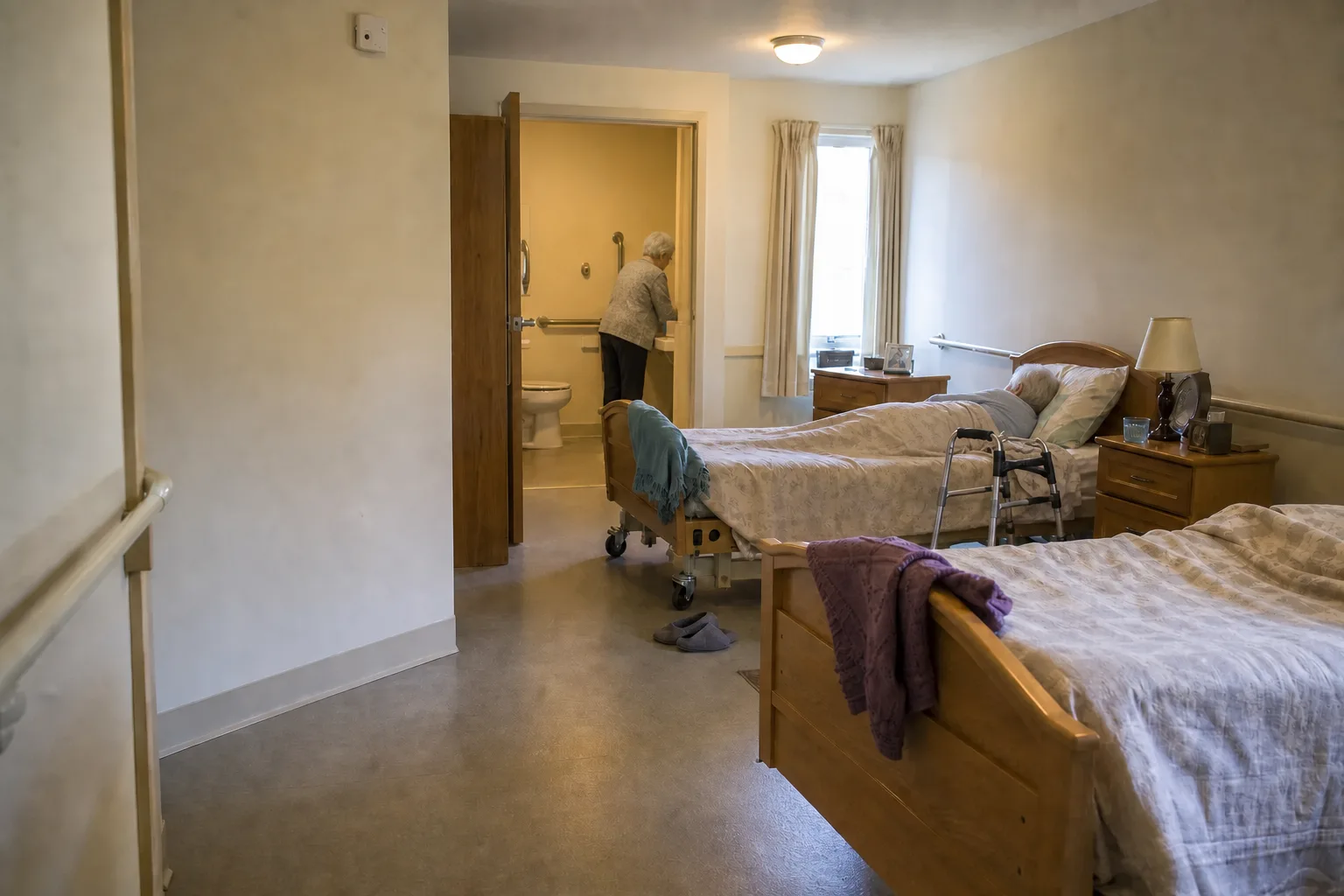
Room 102
All calm
Margaret LewisBed A
In bathroom
Eleanor HarrisBed B
Resting in bed
How OdeCare works
Room sensors track presence and movement. Resident trends reveal early changes in sleep, night-time getting-up and activity. Supported events alert staff with the room, time and reason to check.
01 — Sense
Track presence, movement and supported room events without video or audio. Nothing to wear or charge.
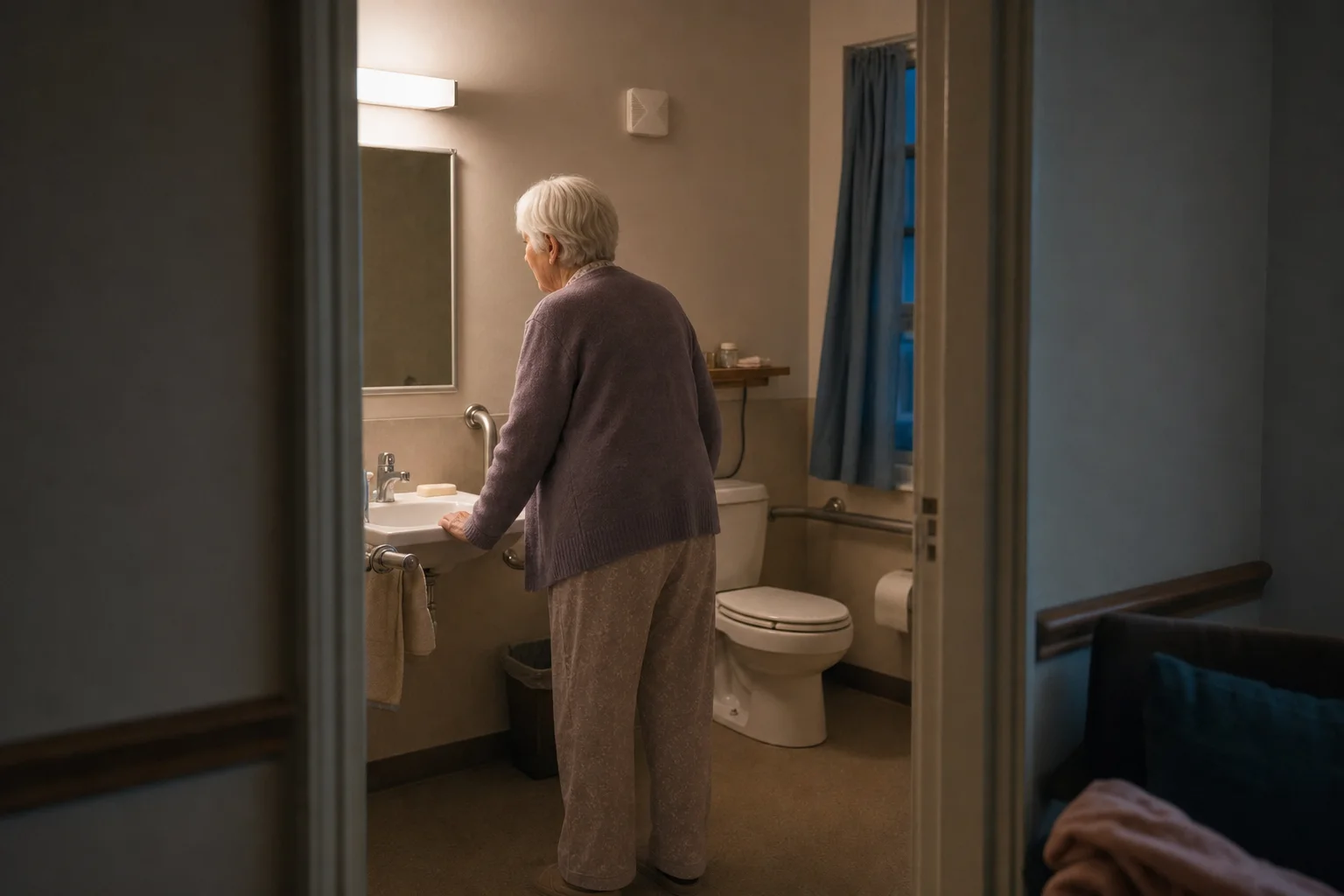
Margaret LewisRoom 102 · 02:14
Early change
Increased · usual range: 0–1
02 — Detect
See one part of a resident’s routine change while the rest stays in context.
Margaret LewisNeeds attention
Movement-to-floor event detected in the bathroom.
03 — Alert
Give staff the resident, room, time and reason to check — without searching a dashboard.
OdeCare surfaces observed changes and supported events. The care team decides what they mean and how to respond.
The system
A facility deployment combines room sensors, optional door and climate sensors, a local gateway, and the staff app and dashboard. The exact kit depends on the rooms, coverage and response plan agreed for the pilot.
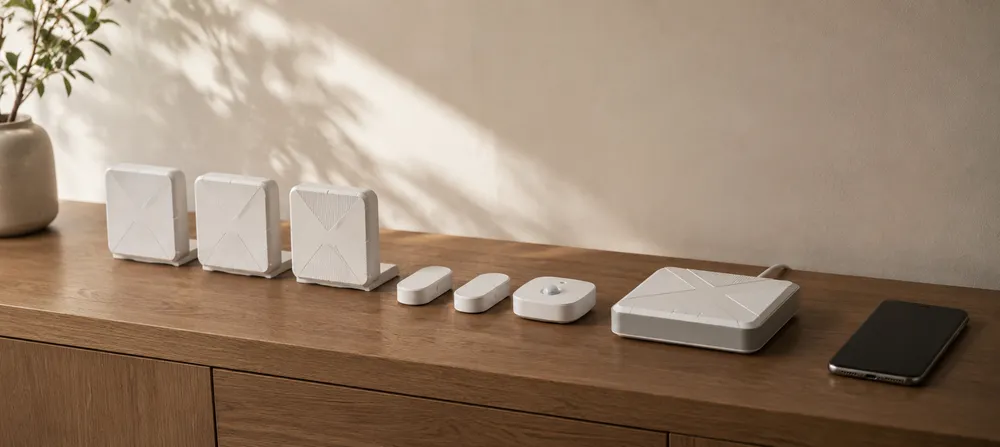
Track presence, movement and supported room events without video or audio.
Optional sensors add door-open and room-condition signals where the deployment needs them.
Connects the installed sensors and sends supported events to OdeCare. Requires mains power and internet.
Show alerts, room status and resident trends to the configured care team.
System capabilities
Immediate events guide the next check. Resident trends show what changes over time.
Events that can change the next room check.
Alerts staff to a supported movement-to-floor event without a button press.
Prompts a check when a stay runs beyond the configured or usual range.
Alerts staff when a resident gets up or moves around at night outside their usual pattern, so they can check in or help them move safely.
Surfaces repeated movement when it differs from the resident’s usual pattern.
Each resident compared with their own usual range.
See when sleep becomes shorter, longer or more interrupted than usual.
See when the number of rises changes across nights.
See when daytime movement stays above or below the resident’s usual range.
See when visits become more or less frequent, or last longer, than usual.
Observed change, not a cause. Staff review what changed and follow the facility response plan.
Mobile app + staff dashboard + alerts + trends
Staff can acknowledge or assign alerts in the app. The dashboard shows current priorities and each resident’s sleep, night-time getting-up and activity over time.
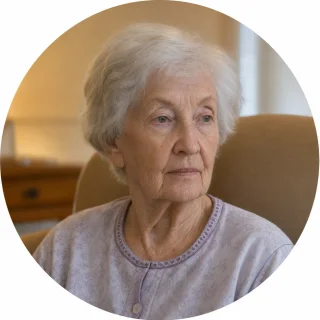
Margaret Lewis
Her night-time assistance plan is active.
The right person is alerted in time to assist before Margaret walks alone — helping reduce fall risk.
1Needs attention
2Notifications
6All calm
Room 214
Compared with this resident’s usual range
Observed trend, not diagnosis. Staff decide what the change means.
Follow the contact order configured for the facility.
CRM, EHR and nurse-call integrations are ready. We configure the connector for your workflow.
Benefits
01For residents
No cameras or microphones. Nothing to wear or charge. Supported alerts do not depend on a button press.
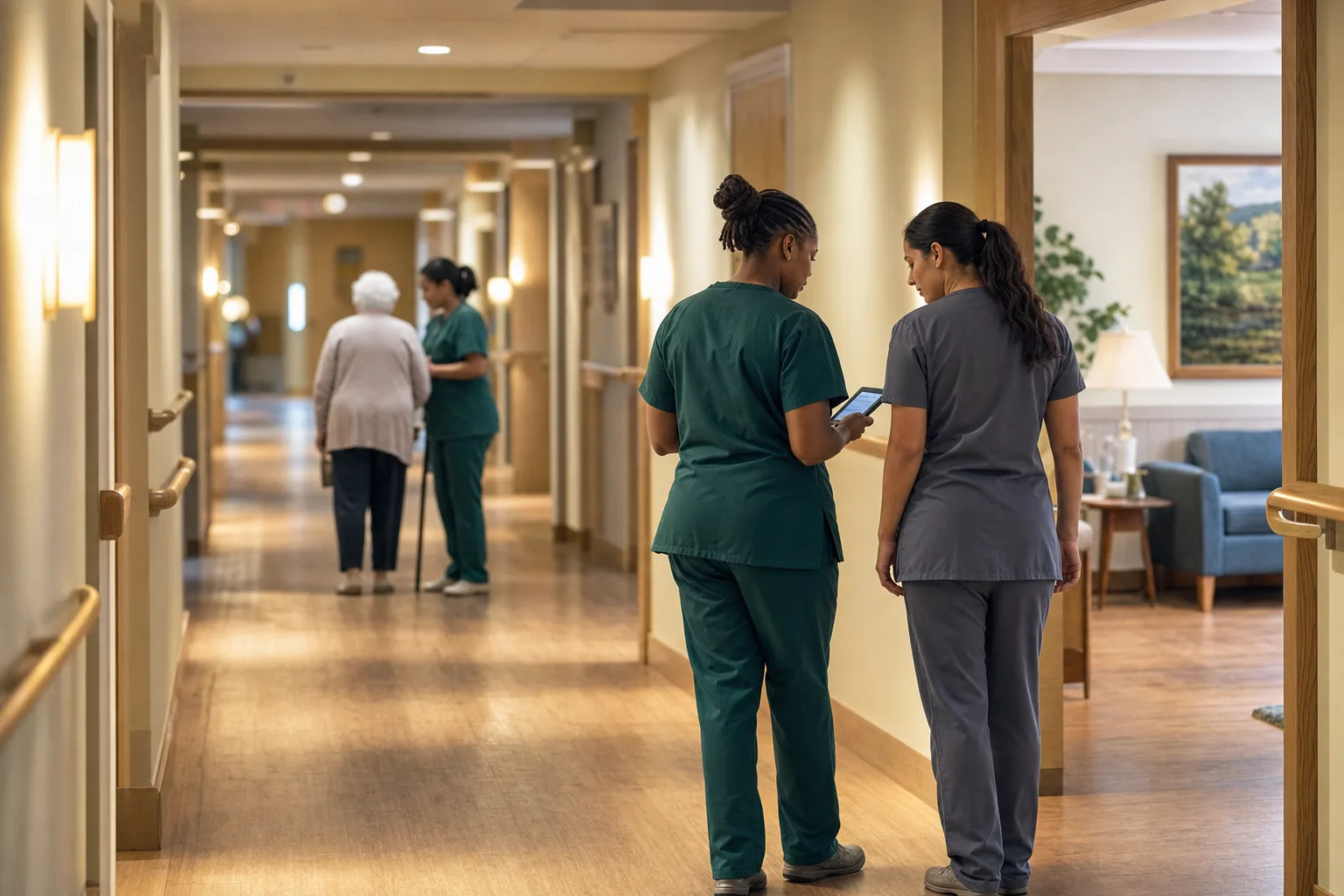
02For staff
The alert names the resident, room, time and reason. Staff can accept or assign the response in the app.
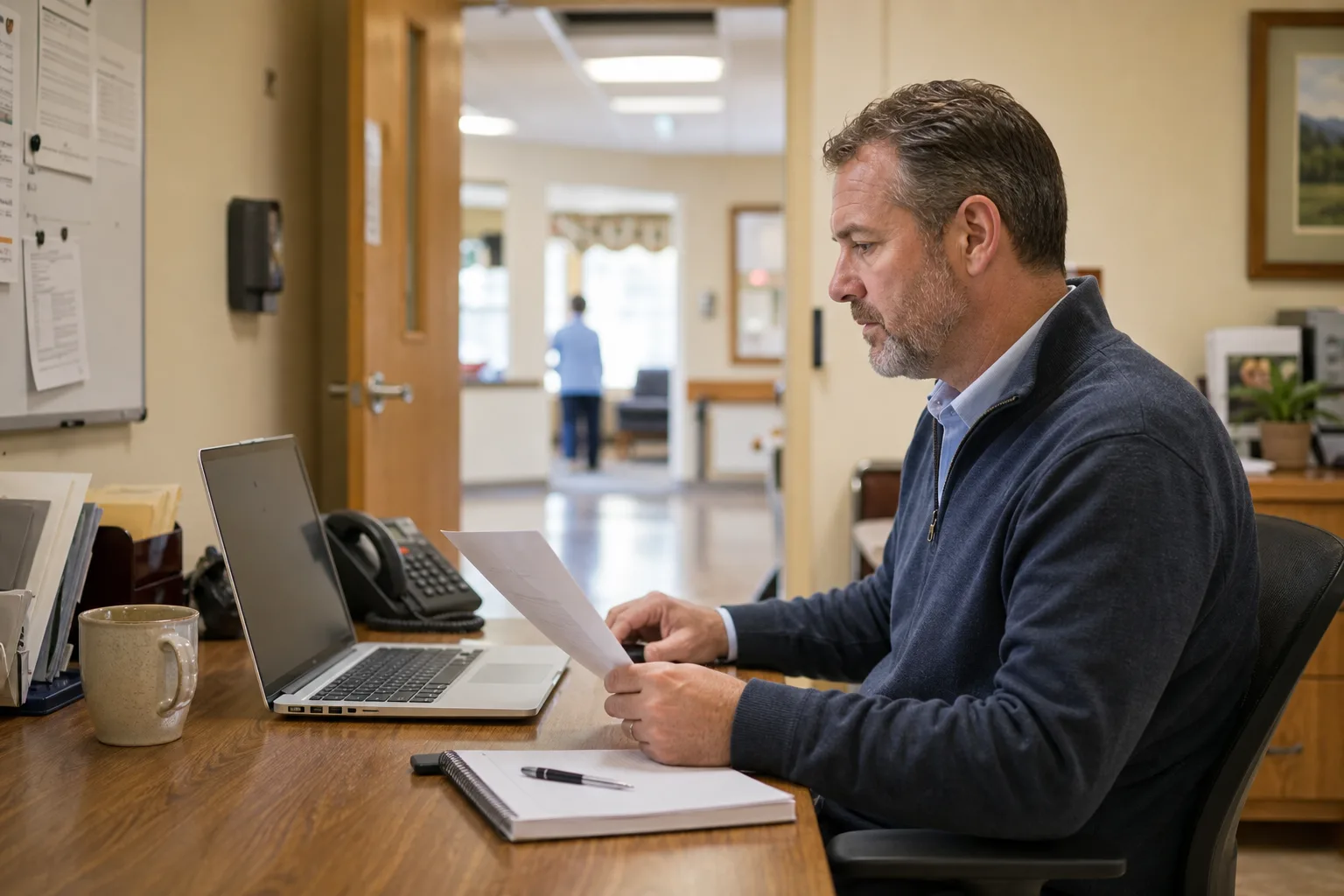
03For owners and operators
Review alerts, response status and resident trends. Use the same view to explain how the team identifies change and follows up.
Facility-measured outcomes. Figures compare pre- and post-deployment measurements inside participating facilities. Actual results vary by baseline, staffing and workflow.
Evidence before scale
Pick a real workflow. Define success before installation. Review what happened with the people who worked the shift.
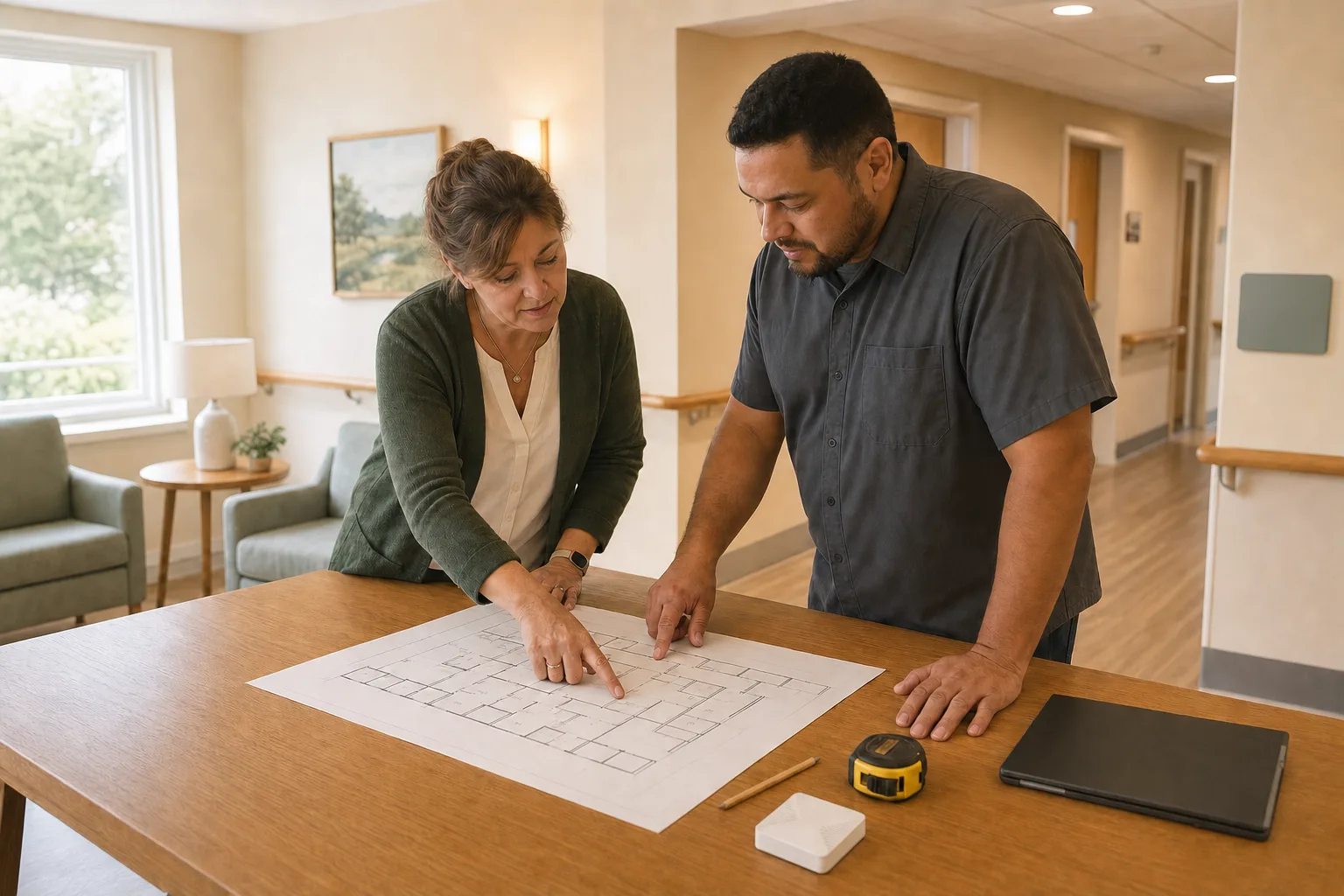
Walk the rooms, connectivity and current response workflow.
Define events, recipients, responsibilities and the measures that matter.
Install the proposed kit, test coverage and brief the people using it.
Review alerts, missed events, false alerts, acknowledgement and staff adoption.
Keep, change or stop. A wider rollout follows evidence, not momentum.
We’ll show how OdeCare works, share relevant care-home examples and discuss what a pilot could look like in your facility.
Come with your questions. Leave with a clear next step — with no commitment.
Prefer to write?Message us on WhatsApp
Request received
We’ll contact you to arrange the conversation.
Fair questions
No system can promise that. OdeCare is designed to surface supported events and changes so a person can check what happened. A pilot should measure missed events, false alerts and response workflow separately.
Do not assume individual attribution. Shared-room suitability depends on the layout, sensor placement and supported interpretation. Confirm it during the site assessment and include it in the pilot protocol.
The hub needs mains power and an internet connection. The current fact sheet does not document battery or cellular fallback, so the deployment plan must state the outage procedure.
Alerts follow the configured contact plan. That might be on-site staff, family or a partner monitoring operator where that service is included. Confirm current hours, market and package availability before contracting.
OdeCare does not automatically dispatch emergency services. Where partner monitoring is included, an operator can contact the resident and caregiver and then local emergency services under the agreed response plan.
No. OdeCare is not a medical device. It provides care-and-awareness signals, but does not diagnose a condition, prove why a pattern changed, replace clinical judgement or replace an emergency response plan.
Yes. OdeCare integrates with any nurse-call, EHR or care-management system your facility uses. We configure the connector for your environment so alerts, acknowledgements and resident context continue through the workflow your team already knows.
Large enough to test the real night-shift workflow, small enough to review every event. Room count, duration and success measures should be agreed after the site assessment.