A guide for families
Fall detection watches: the honest guide, from a competitor
Full disclosure first: OdeCare sells a competing approach — sensors installed in the home, nothing worn. Read us knowing that. But most pages ranking for "fall detection watch" are written by whoever earns the affiliate commission, so here is the version we'd give a friend: which watches genuinely work, what a year really costs, and the three blind spots that no watch — Apple, Samsung, Google or medical — has solved.
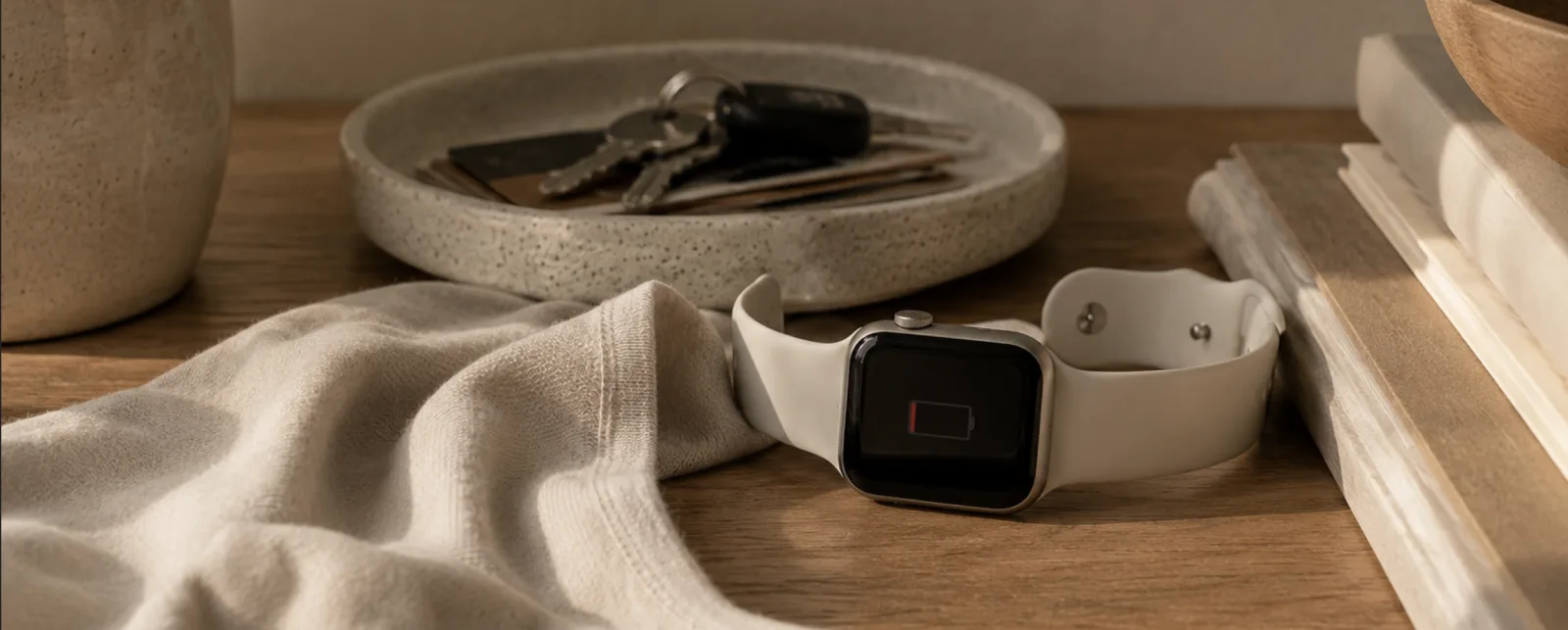
The mechanism
How a smart watch with fall detection actually works
Every mainstream watch uses the same physics: an accelerometer and gyroscope on the wrist, watching for the signature of a hard fall — sudden acceleration, an impact, an abrupt change in wrist orientation. When the algorithm sees that pattern, the watch vibrates and shows an alert asking if the wearer is okay.
If there's no response for roughly a minute, the watch escalates on its own: it calls emergency services — 911 (US) or 999 (UK) — plays a message with the wearer's location, and texts the emergency contacts. That automatic escalation is the entire point. In Tinetti's New England Journal of Medicine research on older adults living alone, most people who fell could not get up without help, and lying unhelped for an hour or more sharply raised the odds of lasting decline and hospitalization. A device that calls for help when the person can't is attacking exactly the right problem.
The scale of that problem is not niche: the CDC estimates one in four adults 65 and over falls each year, and the NHS flags falls as one of the most common serious risks for older people living at home. So the question isn't whether fall detection is worth having — it's which wrist, and what the wrist can't do.
The contenders
Watches with fall detection, reviewed honestly
Ask which is the best smartwatch with fall detection for seniors and the truthful answer starts with a different question: which phone does the household already use, and will anyone charge the watch every day? Here are the four realistic options.
Apple Watch (SE, Series, Ultra)
Fall detection ships on the SE, Series 4 and later, and Ultra — and it's identical across them, so the cheaper SE protects exactly as well. For wearers whose health-profile age is 55 or over, it turns on automatically.
- Widely treated as the benchmark for hard-fall detection
- Family Setup: a cellular watch can run from an adult child's iPhone — the parent needs no iPhone of their own
- No monitoring fee; calls 911 (US) or 999 (UK) directly
- Battery is 18–36 hours depending on model: charging is a daily, permanent chore
- A dense little computer — many older users find the screens and menus frustrating
We wrote a full review: Apple Watch fall detection for seniors.
Samsung Galaxy Watch
Samsung watch fall detection — Samsung calls it hard fall detection — has shipped on Galaxy Watch models for several years. On a detected hard fall with no response, the watch raises an SOS: it can call emergency services and message chosen contacts with the wearer's location.
- The natural pick for the Android households Apple ignores
- Typically cheaper than the comparable Apple model
- Battery typically stretches one to three days, depending on model
- No true Family Setup equivalent — the watch pairs with the parent's own Android phone
- Verify the setting yourself: it lives in Settings → Safety and emergency, and on recent models auto-enables only at profile age 55+
- Same hard-fall tuning — soft falls often pass in silence
Google Pixel Watch
Every Pixel Watch generation supports fall detection: a detected hard fall with no response for about a minute triggers an emergency call with the wearer's location. Health data lives in the Fitbit app, which many families already know.
- Clean, simple interface — less menu-diving than rivals
- Fitbit's activity and sleep trends are genuinely useful context for adult children
- No monitoring fee
- Battery is typically about a day — daily charging is non-negotiable
- Emergency calling needs an LTE model or a connected phone nearby
- Fall detection is off by default — you must enable it in Personal Safety
Dedicated medical alert watches
Medical Guardian's MGMove, Bay Alarm Medical's SOS smartwatch and the UnaliWear Kanega are alert systems first, watches second: a press — or a detected fall, on models that support it — reaches a 24/7 monitoring center where a trained operator answers, talks, and decides what to dispatch.
- A human answers — and can filter false alarms before anyone dials 911 (US) or 999 (UK)
- The Kanega includes fall detection and swappable batteries — the only watch here that's never off the wrist to charge
- Built for older users: big buttons, and voice control on the Kanega
- Monthly fees, typically $30–70 (in the UK, monitored watches typically run £20–50/month)
- Fall detection varies by model — several SOS watches are button-first, so confirm before buying
- Looks more "medical" — some parents refuse it on sight
Side by side
Fall detection watch comparison: cost, battery, who answers
| Apple Watch | Galaxy Watch | Pixel Watch | Medical watches | |
|---|---|---|---|---|
| Upfront cost | Typically $249–799 | Typically $199–650 | Typically $349–449 | Typically $0–300 plus activation |
| Monthly fee | None; cellular plan typically ~$10 for standalone use | None; optional LTE plan | None; optional LTE plan | Typically $30–70 (UK: £20–50) |
| Battery / charging | 18–36 h — daily charging | 1–3 days by model | ~1 day — daily charging | Kanega: swappable, no downtime; others 1–2 days |
| Fall detection | Benchmark for hard falls; soft falls missed | Good hard-fall detection; verify it's enabled | Hard falls; off by default | Varies — Kanega yes, several models button-only |
| Who answers | 911 (US) / 999 (UK) + texts family | 911 (US) / 999 (UK) + texts contacts | 911 (US) / 999 (UK) | 24/7 monitoring-center operator |
| Suits best | Active parent in an iPhone family | Active parent on Android | Fitbit users wanting simplicity | Families who want a human on the line |
Typical US retail prices as of July 2026 — check current pricing before buying. UK retail for the mainstream watches is broadly similar in pounds.
The fine print
The three blind spots every fall detection watch shares
Brands compete hard on sensors and algorithms, but the failures that matter are shared across every product above — including the best ones. A fall detection watch for seniors lives or dies on habits, not specs.
- The charger owns the night. Apple and Pixel watches need charging daily; even multi-day Galaxy models settle into an overnight-charging routine. That parks the watch on the nightstand during the bed-to-bathroom trips — for many older adults, the riskiest walk of the day. The Kanega's swappable batteries are the honorable exception, at a monthly price.
- It must be worn, and worn snugly. A loose band degrades detection; a watch left off after a shower detects nothing at all. The wider evidence on worn devices is sobering: studies of emergency-button use among older adults show that worn buttons frequently go unused in real falls. Any plan that depends on a device staying on a wrist inherits that fragility.
- Soft falls often don't register. The algorithms are tuned to hard impacts. Sliding from a chair, sinking down a doorframe during a dizzy spell, a knee folding gently — these commonly produce no alert, and manufacturers acknowledge the limitation. Recall the NEJM finding: the danger isn't only the impact, it's the unhelped hour on the floor that follows. A missed soft fall is precisely how that hour happens.
None of this makes watches bad. It makes them a daytime, out-and-about layer — which is exactly how the best-served families we know use them.
The pairing logic
Watch alone, or watch plus home sensors?
Here's the honest decision logic, including the case against us. A watch alone can be enough for an active parent who leaves home often, likes gadgets, and will genuinely charge it every day — the watch is the only option in this guide that follows them to the shops. If that's your parent, buy the watch and skip the rest.
The watch-alone plan breaks when the risk lives at home: night-time bathroom trips, long showers, dizzy spells in the kitchen. Those hours are charger hours and off-wrist hours, and they're where soft falls happen. Home sensors cover them differently — wall-mounted radar and motion sensors that read position and movement in every room, with no camera, nothing worn, nothing to charge, and no habit to maintain. Our own limits, stated plainly: home sensors are home-only and cost more upfront ($590–790 / €520–700 installed) than a pendant. The two approaches fail in opposite places, which is why pairing them works: the watch takes the outings, the sensors hold the house. For the full device-by-device picture beyond watches, see our guide tofall detection devices.
Covering the watch's gaps
What the watch can't see, home sensors can
OdeCare puts small radar and motion sensors in your parent's home — no camera, nothing to wear or charge. It covers exactly the three shared blind spots: night (working while the watch charges), the bathroom (water-safe rooms included), and soft falls (read by position on the floor, not by impact). Your family gets plain-word updates and alerts in minutes. Keep the watch for outings; let the sensors quietly hold the home.
Questions families ask
Fall detection watches: FAQ
Does the Samsung Galaxy Watch have fall detection?
Yes. Recent Galaxy Watch models include hard fall detection: when the watch senses a hard fall and the wearer doesn't respond within about a minute, it can call emergency services — 911 (US) or 999 (UK) — and message chosen contacts with the location. Check that it's enabled under Settings → Safety and emergency; on recent models Samsung turns it on automatically when the profile age is 55 or over.
Does the Pixel Watch have fall detection?
Yes — every Pixel Watch generation supports fall detection. If the watch detects a hard fall and gets no response for about a minute, it can place an emergency call and share the wearer's location. You need either an LTE model or a connected phone nearby for the call to go out, and the feature must be switched on in the Personal Safety settings — it is not on by default.
What is the best fall detection watch for seniors?
Match the phone first: an iPhone household points to the Apple Watch (the SE is enough — fall detection is the same across models), an Android household to the Samsung Galaxy Watch or Pixel Watch. If you want a trained human answering instead of an automated emergency call, look at monitored medical watches such as the UnaliWear Kanega. Every one of them shares the same gaps: daily charging, snug wear, and missed soft falls.
Is there a fall detection watch without a monthly fee?
Yes, in a limited sense. Apple, Samsung and Pixel watches charge no monitoring fee — they call emergency services directly — though a standalone cellular watch needs a carrier plan, typically around $10/month. Monitored medical watches always carry fees, typically $30–70/month in the US (in the UK, typically £20–50/month). Remember what "no fee" buys: no human filter, so every alert goes straight to 911 (US) or 999 (UK).
Fall detection watch or medical alert pendant — which is better?
Watches win on dignity and everyday usefulness: no medical-device look, they work on outings, and they tell the time. Pendants win on battery life — days to months rather than hours — on one-press simplicity, and monitored pendants reach a trained operator. Both share the same structural weakness: they only protect a person who is actually wearing them, and studies of real falls show worn emergency buttons frequently go unused.
Do fall detection watches work for soft falls?
Often not. Watch algorithms are tuned to the signature of a hard fall — sudden acceleration ending in impact. Slow events such as sliding out of a chair, sinking down a wall from dizziness, or a knee gently giving way frequently trigger nothing, and manufacturers are open about this. It is a structural limit of wrist-worn accelerometers, and the main reason families layer in home sensors that read position rather than impact.
Keep reading