A guide for families
Senior monitoring systems, explained without the sales pitch
If your parent lives alone, some kind of monitoring is usually the difference between finding out about a problem in minutes and finding out the next day. The hard part is choosing a system they'll actually accept. This guide compares the three types honestly — including the one we make.
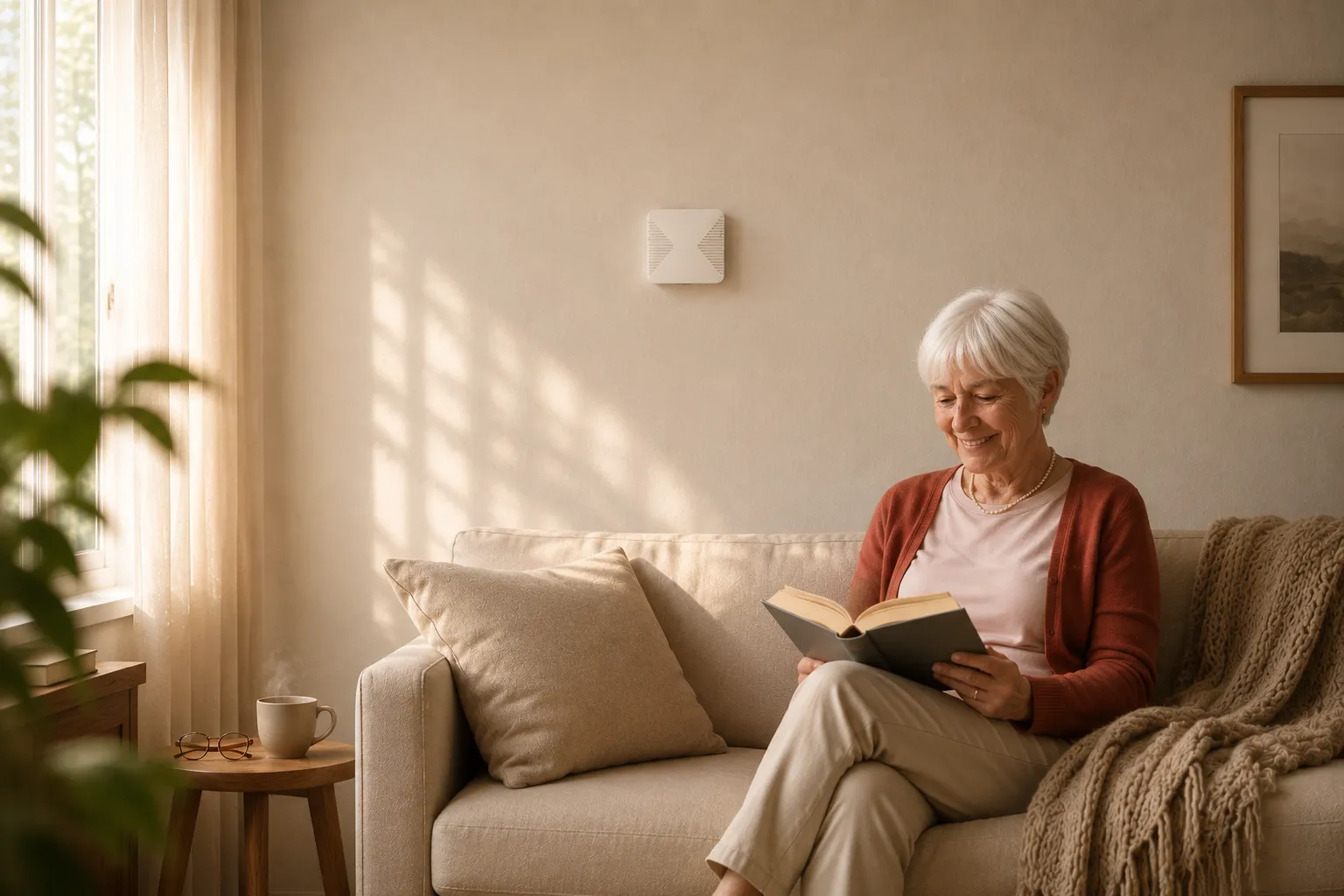
The three types
Every elderly monitoring system is one of these
Brands differ, but the mechanics don't. Every system on the market watches over an older adult in one of three ways — and each way carries a built-in trade-off your family will live with daily.
Wearables: pendants & watches
A button or smartwatch on the person. Pressing it (or a detected fall) calls for help.
- Works outside the home too
- Cheap to start ($20–60/mo pendants)
- Must be worn and charged — every day, forever
- Many parents quietly stop wearing them; in studies of real falls, the button often goes unused even when worn
- Watches need daily charging and tech comfort
Cameras
Indoor cameras the family can check, sometimes with AI fall alerts.
- You can see exactly what's happening
- Hardware from $50
- Most parents hate being watched — refusal and unplugging are the norm
- Someone has to actually look at the feed
- Bathrooms — where many falls happen — are off-limits
Ambient sensors
Small wall sensors (radar, motion, door) learn the daily rhythm of the home and flag what's unusual.
- Nothing to wear, charge, press or learn
- No cameras or microphones — works in bathrooms too
- Notices slow changes, not just emergencies
- Home-only — doesn't follow them to the store
- Higher upfront cost than a pendant
Side by side
Comparison: what each type asks of your parent
The question that decides everything isn't features — it's what the system demands from the person being protected.
| Pendant systems | Fall-detection watches | Cameras | Ambient sensors | |
|---|---|---|---|---|
| Parent must… | Wear it + press in emergency | Wear it + charge daily | Accept being watched | Nothing |
| Privacy | Good | Good | Poor — video in the home | Good — no video or audio |
| Fall coverage | Only if pressed / worn | Only while worn & charged | Only rooms with a camera | Whole home, incl. bathroom |
| Catches slow decline | No | Partially (activity data) | Only if someone watches | Yes — routine changes flagged |
| Works outside home | Some models | Yes | No | No |
| Typical cost | $20–60/mo | $250–800 + plan | $50–300 + cloud fees | $590–790 once + $29/mo |
Costs are typical US ranges as of July 2026. Sensor-system pricing shown is OdeCare's — our kits include installation and the first 3 months of service.
How to choose
Five questions that pick the right system
- Will they actually wear it? Be honest. If the answer is "probably not" or "for a week" — wearables are out, whatever the reviews say.
- Where do the risky moments happen? Bathroom and night-time top the list. Cameras can't go there; pendants sit on the nightstand at 3 AM. Ambient sensors cover both.
- Do you want emergencies only, or early warning? A pendant speaks up once something has already happened. Sensor systems also notice the week of skipped meals before it.
- Who responds? Some services route to a call centre; others alert family directly. Decide who should get the 2 AM notification — and ask how the system avoids false alarms.
- Does your parent leave home alone a lot? If yes, a watch or mobile pendant still earns its place — sometimes alongside a home system rather than instead of it.
Deeper on this: what to do when a parent falls at home — and why response speed matters more than detection itself.
Why any of this matters
The evidence: it's the waiting that does the damage
The strongest research on falls at home isn't about detection — it's about what happens when help is slow. In a New England Journal of Medicine study of older adults living alone, most who fell couldn't get up without help, and those who remained on the floor for an hour or more were far more likely to face lasting decline or hospitalization than those helped quickly.
The uncomfortable part for button-based systems: studies of real-world use found that people who fell frequently didn't press the button they were wearing — out of confusion, unconsciousness, or simply not wanting to "make a fuss". A system whose protection depends on a person's action in their worst moment protects less than the brochure suggests.
That's the case for monitoring that works passively: the value isn't the gadget, it's cutting the time between "something happened" and "someone knows" — from hours to minutes, with no cooperation required from the person on the floor.
The real math
What a year of monitoring actually costs
Advertised prices hide shape: some systems are cheap to start and expensive to keep; others are the reverse. Here's the first-year total, honestly.
- Pendant service: $0–100 upfront + $25–60/mo → $300–800 in year one, and the same every year after. Add fall-detection: usually +$10/mo.
- Fall-detection watch: $250–800 for the watch + $10–25/mo cellular plan → $370–1,100 in year one. Plus a replacement when it meets the bathroom floor.
- Cameras: $50–300 hardware + $0–20/mo cloud → $50–540 in year one — cheapest on paper, if your parent tolerates them and someone actually watches.
- OdeCare (whole-home sensors): $590–790 installed with 3 months included, then $29/mo → $851–1,051 in year one, dropping to $348/yr afterwards — less than most pendant services.
The pattern: wearables look cheap monthly and cost more over time; sensor systems front-load the cost and get cheaper every year you keep them.
Not either/or
How families actually combine systems
The setups that work long-term are rarely a single product. Three combinations we see most often:
- Home sensors + nothing. The most common for parents who refuse to wear anything. Full coverage where 3 out of 4 serious incidents happen — at home — and acceptance is a non-issue.
- Home sensors + a watch they already like. If your parent happily wears an Apple Watch, keep it for outings; sensors cover the night, the bathroom, and the days the watch sits on the charger.
- Home sensors + a pendant for the transition. Families switching off an existing pendant contract often run both for a month or two — the sensors' alerts quickly show which system the family actually relies on.
The camera question
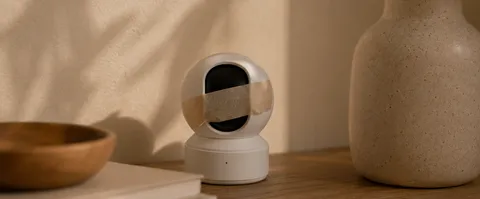
Video monitoring for elderly in the home: when a camera is right
Some families specifically want to see — usually after a scare, or when a parent has advanced dementia and can no longer report accurately. A camera-based monitoring system is legitimate in three cases: verifying how a hired caregiver treats your parent, advanced dementia where safety overrides preference, and short recovery windows after surgery with your parent's explicit consent.
Outside those cases, cameras are where monitoring plans go to die: parents unplug them, point them at walls, or quietly resent them. And the best camera for elderly monitoring still can't go where the risk lives — the bathroom. We've written the honest version of both sides:granny cams — pros, cons and the camera-free alternative.
Apps & check-ins
Monitoring apps and daily check-in services
A lighter category worth knowing about: phone apps that track activity or location, and check-in services that call your parent daily and alert you if the call goes unanswered. They're cheap ($0–20/mo) and non-invasive — and they share one structural gap: they monitor the phone, not the person. A charged phone in a handbag looks identical to a safe parent.
Where they fit: as a supplement for tech-comfortable seniors, or as a first step when the family isn't ready for hardware. Where they don't: fall coverage, night-time, and any parent who leaves the phone on the counter — which, in our installation experience, is most of them.
Beyond emergencies
Health monitoring: what daily rhythm reveals before a crisis
The underrated half of home monitoring for elderly parents isn't the emergency alert — it's the slow signal. Illness in older adults rarely arrives overnight; it announces itself in the rhythm first. Nights become restless. Bathroom visits multiply (a classic early flag for urinary tract infections, which in seniors can escalate to confusion and falls within days). Movement around the home slows. Meals get skipped.
Ambient sensors see these patterns because they watch the whole day, not just incidents. Families and caregivers using OdeCare see it as a weekly rhythm picture: "this week looks different" arrives early enough to book a GP visit instead of an ambulance. Wearable health devices (blood pressure cuffs, pulse oximeters) add clinical numbers on top — useful, but only if your parent actually uses them; the sensor layer works regardless.
Special cases
Monitoring for wandering, night risk and post-hospital weeks
Dementia wandering. Door sensors with after-hours alerts are the workhorse here: a front door opening at 3 AM notifies family instantly. For parents who go out alone, add a GPS tracker — it's the one scenario where a wearable earns its keep even with imperfect compliance, because it protects during outings, not at home.
Night-time. Most serious home incidents cluster between bed and bathroom in the small hours. This is the exact window where pendants sit on nightstands and phones charge in the kitchen — and the reason "does it work at night?" should be your first question to any vendor. Sensor systems monitor the elderly in the home continuously; radar needs no light.
The six weeks after hospital. Discharge is the highest-risk monitoring window: unfamiliar medication, weakened muscles, overconfidence. If you're going to trial a monitoring system for an elderly parent, this is the moment — set it up before they come home, not after the first fall back.
If "won't wear it" sounds familiar
OdeCare: monitoring that asks nothing of your parent
OdeCare is an ambient sensor system: small radar and motion sensors on the walls, no cameras, no microphones, nothing to wear. It learns your parent's normal rhythm — and tells your family, in plain words, when something looks off: a fall-like event, an unusually long bathroom visit, a night that doesn't follow the usual pattern.
Questions families ask
Senior monitoring systems: FAQ
What is a senior monitoring system?
A set of devices that helps family know an older adult is safe at home without someone being there. Depending on type, it detects falls, notices unusual inactivity, and alerts family when something looks wrong. The three types are wearables, cameras, and ambient sensor systems.
Is there elderly monitoring without cameras?
Yes — ambient sensor systems monitor presence, movement and routine with wall sensors, no cameras or microphones anywhere. Family sees words and status in an app, never video. It's usually far easier for a parent to accept, and it works in bathrooms where cameras can't go.
What if my parent refuses to wear a pendant or watch?
Extremely common — in studies of real falls, emergency buttons often go unused even when worn. If wearing a device is the sticking point, ambient sensors remove it entirely: nothing worn, charged or pressed, so protection doesn't depend on compliance.
How much does a senior monitoring system cost?
Pendants: $20–60/mo. Fall-detection watches: $250–800 upfront plus a plan. Cameras: $50–300 plus optional cloud fees. Whole-home sensor systems like OdeCare: $590–790 installed depending on home size, first 3 months included, then $29/mo.
Can I monitor my parent from another city or country?
Yes — that's the core use case. The family app shows how the day is going from anywhere, and several family members can follow along at once. Distance stops mattering for knowing they're okay.
Does monitoring work at night?
Ambient systems work 24/7 and night is where they shine: out of bed and not back, a too-long bathroom visit, a door opening at 3 AM. Wearables are usually charging at night; cameras see nothing useful in the dark hallway.
Is it suitable for a parent with early dementia?
Sensor systems fit early dementia well because they demand nothing from the person — no device to remember or learn. Routine changes like night wandering get flagged early. It complements hands-on care; it doesn't replace it.
Keep reading