A guide for families
GPS trackers for elderly parents: the honest guide
Full disclosure before anything else: OdeCare doesn't sell GPS trackers. We build in-home sensors — the indoor half of keeping a parent safe — so no affiliate commission shaped this page. That matters, because most articles ranking for "GPS tracker for elderly" are written by whoever earns a cut of the tracker you click. Here is the version we'd give a friend: which type of tracker actually stays with your parent, what AirTags honestly can and can't do, what the subscriptions really cost, and the one problem — charging — that decides whether any of it works on the day it matters.
The real brief
A GPS tracker for dementia patients: wandering comes first
Strip away the marketing and most searches for a tracking device for an elderly parent are driven by one fear: wandering. A parent with dementia sets out to "go home" — from their own home — or to a job they retired from twenty years ago. It happens fast, it's hard to predict, and the person is often lightly dressed, on foot, and unable to ask for directions or explain where they live. Every hour of searching raises the stakes, especially in cold or hot weather.
That use-case sets the requirements, and they're stricter than the general ones. You need live location on demand — not a "last seen" pin from two hours ago. You need safe-zone alerts (geofencing), so your phone buzzes the moment your parent leaves the house or the street, rather than when you happen to check. You need the device to survive a removal attempt, because a person in a confused state may take off anything unfamiliar. And you should treat an SOS button as a bonus, not a plan: someone who is disoriented may never think to press it, so automatic alerts have to carry the load.
Two more things belong in the same plan. GPS tells you where a parent went — it doesn't tell you they left. A door sensor covers that first minute; we've written a separate guide todoor alarms for dementia patientsthat pairs naturally with this one. And if a parent with dementia is missing right now, call 911 (US), 999 (UK) or 112 (EU) before you start driving around: police treat a missing person with dementia as high-risk, and in much of the US a Silver Alert can be issued. You don't need to wait any set number of hours to report it.
The four types
Tracking devices for elderly parents: what actually exists
A wearable GPS tracker solves the carry problem by living on the body; everything else trades that certainty for convenience. Four types cover the whole market — and the right one depends less on specs than on a blunt question: what will your parent actually wear, carry, or tolerate?
GPS watches and dementia tracker watches
Two families here. Mainstream smartwatches — Apple Watch, Galaxy Watch, Pixel Watch — do location sharing plus fall detection, and suit a parent comfortable with technology (we compared them in our guide tofall detection watches). Purpose-built dementia tracker watches such as Theora Connect go the other way: caregiver-managed from your phone, geofence alerts, an SOS button, and simplified screens. Some wearables designed for wandering, like AngelSense, add a caregiver-locked band so the device can't be casually removed.
- Lives on the body — the carry problem mostly solved
- Safe-zone alerts and SOS on most dedicated models
- Locking bands survive the removal attempts common in dementia
- Charging every 1–3 days — a nightly-charger habit leaves the night untracked
- Some parents refuse anything unfamiliar on the wrist
- Subscriptions typically $15–40/month (£12–32)
GPS tracker necklaces and pendants
A GPS tracker necklace for an elderly parent is usually a mobile medical alert pendant: GPS plus a large SOS button, and on monitored plans a trained operator answers the press, talks through the speaker, and decides whether to send family or dispatch emergency services.
- One big button — no menus, no apps for the wearer
- Monitored plans put a human on the line, 24/7
- Many models add fall detection to the same pendant
- Only works when worn — and in one study 97% of worn emergency buttons went unpressed during real falls
- Charging every 1–5 days, usually on a dock — off the neck while it charges
- The medical look makes some parents leave it in the drawer
Pocket, keychain and clip-on trackers
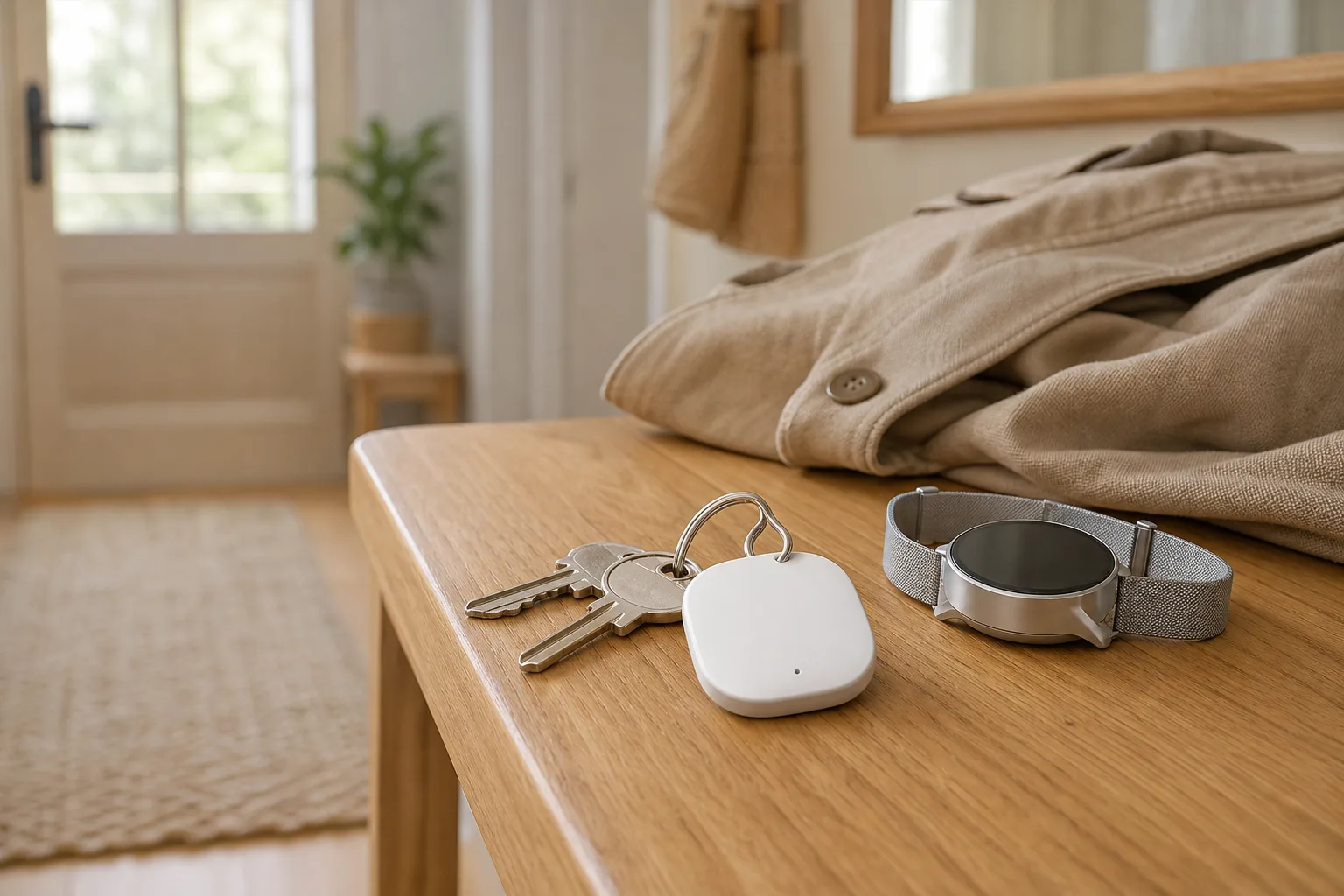
Small dedicated GPS units — Jiobit and Invoxia are typical of the breed — that clip to a belt, live on the keyring, zip into the walker pouch or handbag, or get sewn into the lining of the coat your parent never leaves without. Nothing to wear, nothing to remember, if you pick the right object.
- No stigma and no wearing battle — the tracker disappears into daily life
- Batteries often last several days to weeks between charges
- Cheap enough to place two or three for redundancy
- Tracks the object, not the person — a wandering parent may leave in slippers, without coat or keys
- SOS buttons only on some models
- Still needs a subscription, typically $10–25/month (£8–20)
The phone they already have
Find My on iPhone, Find My Device on Android, or a family app like Life360 turns the phone your parent already owns into a tracking device — free, familiar, and set up in an afternoon.
- No new hardware and no new monthly fee
- Phones include built-in emergency calling — 911 (US), 999 (UK) or 112 (EU)
- Location sharing is easy to explain and easy to show working
- Only tracks the phone — and people with dementia very commonly leave the phone behind
- Daily charging, and a dead phone is an invisible parent
- Sharing can be switched off, accidentally or deliberately
The subscription question
GPS tracker for elderly, no monthly fee: the AirTag question
The monthly fee is the sore point that sends families toward Apple AirTags and Tile tags, so let's be precise about what those are. True GPS needs its own cellular connection to report where it is, which means a SIM, which means someone pays — typically $10–30 a month (£8–25). AirTags and Tiles avoid the fee because they contain no GPS at all: they're Bluetooth beacons that report their position by whispering to phones that happen to pass nearby.
In a town or city, that crowd network works surprisingly well — Apple's Find My network in particular is enormous, and an AirTag in a handbag will usually show a recent, fairly accurate position. But the coverage is exactly backwards for the wandering use-case: in parks, on footpaths, along rural roads — the places a disoriented person on foot is likeliest to end up — there may be no passing phones, and the location simply stops updating. The tag isn't broken; it's mute until a stranger's phone wanders past.
The other limits are structural. There is no SOS button, so your parent can't call for help through it. There is no dependable safe-zone alerting, so you find out about a wander when you go looking, not when it starts. And Apple's anti-stalking protections — the tag chiming after being away from its owner, nearby iPhones flashing "AirTag found moving with you" — are designed to expose covert tracking, which means they can startle and confuse the very person you're trying to protect.
Our honest verdict: at about $29 (£29) each with a battery that lasts around a year, AirTags make an excellent backup layer — one on the keys, one in the coat pocket, one in the car. They are not a primary plan for a parent at wandering risk. If you see a "no monthly fee" tracker that claims real GPS, it's usually prepaid service bundled into a higher upfront price; check what the service costs once the bundled years run out.
The fine print
The battery reality no product page leads with
Every tracker type has a battery story, and the story decides whether the device works on the one day it's needed. GPS watches for elderly wearers run one to three days between charges. Pendants stretch to five. Pocket and keychain trackers manage days to weeks depending on how often they report. Only the Bluetooth tags escape the problem — an AirTag's coin cell lasts about a year — and they escape it by not being GPS at all.
The failure mode is always the same: the tracker is perfectly accurate and completely flat. A parent who could charge a device reliably is usually a parent who doesn't need one this badly — so the charging plan has to belong to you, not to them. Three things help. Anchor charging to a fixed daily event, like the evening meal, rather than "when it's low." Turn on low-battery alerts to your own phone — most caregiver apps offer them, and it's the single most useful setting in the app. And keep a fee-free backup layer, like a tag in the coat lining, for the day the main device is sitting on its charger.
Side by side
Best GPS tracker for elderly parents, compared by type
There is no single best GPS tracker for an elderly parent — there's a best type for how your parent actually lives. The table compares the five realistic options on the questions that decide outcomes.
| GPS watch | GPS pendant / necklace | Pocket / keychain tracker | AirTag / Tile | Phone apps | |
|---|---|---|---|---|---|
| Upfront cost | Typically $150–350 (£120–280) | Typically $0–200 (£0–160) | Typically $30–150 (£25–120) | About $25–35 (£25–35) each | Free with the phone |
| Monthly fee | Typically $15–40 (£12–32) | Typically $30–50 (£15–40) monitored | Typically $10–25 (£8–20) | None | None; optional premium app tiers |
| Battery | 1–3 days | 1–5 days | Several days to weeks | About a year (coin cell) | Daily charging |
| SOS button | On most dedicated models | Yes — the whole point; monitored plans reach an operator | Some models only | No | Built-in emergency features — if the phone is carried |
| Safe-zone alerts | Yes | On many mobile units | Yes | No reliable geofencing | Via apps |
| Fails when | Refused, removed, or on the charger | Left on the dresser | The coat, bag or keys stay home | No passing phones — parks, trails, rural roads | The phone is left behind |
| Suits best | Parents who accept a wearable; dementia with a locking band | Families who want a button and a human answering | Parents who refuse anything worn | A cheap backup layer on keys, bag or car | Early-stage, phone-attached parents |
Typical US retail prices as of July 2026 — check current pricing before buying. UK pricing for the same categories is broadly similar in pounds.
Before you buy
How to choose: six checks that matter more than the brand
- Start with the person, not the device. Will your parent wear a watch? Tolerate a pendant? Reliably carry a bag or keys? The most sophisticated tracker loses to a modest one that's actually present.
- Decide who gets alerted, and how. Family-only apps are free-ish but assume someone's watching their phone. Monitored services cost more and put an operator on the line who can escalate to 911 (US), 999 (UK) or 112 (EU). Know which you're buying.
- Check the update speed. "Live tracking" can mean every few seconds or every ten minutes. For wandering, minutes matter — a person on foot covers real distance between pings.
- Do the battery math. Who charges it, when, and does the caregiver app warn you when it's low? If the plan is "Mum will remember," you don't have a plan.
- Total the three-year cost. A cheap device with a $30 (£24) subscription costs over $1,000 (£800) by year three. Compare totals, not stickers.
- Have the consent conversation first. It goes better than most families fear — see below.
The uncomfortable part
Consent, dignity, and quiet tracking
Tracking a person is not like tracking a parcel, and it deserves one honest paragraph before any purchase. For a parent who has the capacity to decide for themselves, the answer is simple: ask. Framed as "so I can stop phoning you three times a day," location sharing is often accepted more readily than adult children expect — and covert tracking of a capable adult is a serious breach of trust that, depending on where you live, may also be unlawful. If the conversation itself is the obstacle, our piece onwhat to do when a parent refuses a medical alertcovers the psychology, and it transfers directly to trackers.
Dementia complicates capacity but doesn't erase the duty. Good practice — echoed by dementia charities on both sides of the Atlantic — is to involve your parent as early and as far as they're able, ideally while they can still weigh in on the choice; to bring family and the GP (the family doctor) into the decision; to pick the least intrusive option that meets the actual risk; and to stay transparent about what's in place. A tracker discovered in secret usually costs more trust than it buys safety.
The other half
What GPS can't see: everything indoors
Here is the limit that no tracker brand will lead with: GPS is an outdoor technology. Indoors, satellite fixes degrade until the map can say little more than "at home" — and "at home" is not the same as "okay." The CDC estimates one in four adults 65 and over falls each year, and most of those falls happen at home: on the night route to the bathroom, in the shower, on the kitchen floor. In Tinetti's New England Journal of Medicine research on older adults living alone, most people who fell could not get up without help — and lying unhelped for over an hour sharply worsened outcomes. A GPS tracker, however good, has nothing to say about any of it.
That's the half we build, so weigh our bias accordingly. OdeCare puts small radar and motion sensors on the walls of your parent's home — no cameras, nothing worn, nothing to press or charge, covering exactly the places GPS goes blind: the bathroom, the night hours, the long quiet mornings. Our limits, stated plainly: it's home-only, and it costs more upfront than a tag or a pendant. Many families at wandering risk end up running both halves — a tracker or door alarm for outside, sensors for inside — and that combination is honest about what each technology can actually see. For the wider picture of indoor options, start with our guide tosenior monitoring systems.
The indoor half
GPS finds them outside. Sensors watch over them at home.
OdeCare installs small radar and motion sensors in your parent's home — no camera, nothing to wear or charge, nothing your parent has to remember. The radar needs no light and films nothing, so it covers the bathroom and the night — the hours and rooms every tracker misses. Your family gets plain-word updates and alerts in minutes. Keep the tracker for the outings; let the sensors quietly hold the house.
Questions families ask
GPS trackers for the elderly: FAQ
What is the best GPS tracker for an elderly parent?
The one that is actually on them when they walk out the door. For a parent who accepts a wearable, a GPS watch with an SOS button and safe-zone alerts; for dementia, a purpose-built tracker with a caregiver-locked band so it can't be casually removed; for a parent who refuses anything on the body, a small tracker clipped inside the coat they always wear, on the keys, or in the handbag or walker pouch. Phone apps only work as long as the phone travels too. In practice, charging discipline decides more than brand.
Do AirTags work as GPS trackers for the elderly?
Partly. An AirTag has no GPS chip: it reports its position by pinging nearby Apple devices over Bluetooth, so in a town or city it works surprisingly well, but in parks, on trails and along rural roads — exactly where a disoriented person may end up — updates can stop when you need them most. There is no SOS button and no dependable safe-zone alerting. An AirTag is an excellent cheap backup on keys, a bag or the car; it is not a primary safety plan for wandering risk.
Is there a GPS tracker for the elderly with no monthly fee?
True GPS needs its own cellular connection, so almost every real GPS tracker carries a subscription — typically $10–30/month (UK roughly £8–25). The genuinely fee-free options are Bluetooth crowd-network tags like AirTag and Tile, which come with real limits: no SOS button, no reliable geofencing, and coverage gaps outside built-up areas. A few GPS models bundle prepaid years of service into a higher upfront price; before buying one, check what the service costs once the bundle runs out.
What is a dementia tracker watch?
A GPS watch designed around wandering rather than fitness: a caregiver manages it from a phone app, safe-zone (geofence) alerts fire when the wearer leaves a set area, there is usually an SOS button, and many models offer a band that locks so the watch can't be casually taken off. Some also strip out confusing screens and menus. The trade-offs are the same as any wearable: it must be charged, usually every one to three days, and it must be tolerated on the wrist.
Can you track an elderly parent without telling them?
For an adult who has the capacity to decide for themselves, tracking without consent is a serious breach of trust and, depending on where you live, may be unlawful — have the conversation instead. Where dementia has reduced that capacity, good practice is to involve the person as far as they are able, bring in family and the GP (family doctor), choose the least intrusive option that meets the actual risk, and stay transparent about what is in place. A tracker discovered in secret usually costs more trust than it buys safety.
What is the difference between a GPS tracker and a medical alert system?
A GPS tracker answers "where are they?"; a medical alert system answers "are they okay, and who is coming?" — a button or fall detection that reaches family or a 24/7 monitoring center. The two overlap: many mobile medical alert pendants include GPS, so one device can do both jobs. If the main worry is wandering, start from the GPS side; if it's falls at home, start from the medical alert or home-sensor side.
Keep reading