Honest review
Apple Watch fall detection for seniors: good, with three blind spots
We sell a competing approach, so read us with that in mind — but here's the truthful version: Apple Watch fall detection is genuinely good technology that works brilliantly for some parents and quietly fails for others. Which one is yours depends on three questions, not on specs.
What it does
How Apple Watch fall detection works
Apple Watch Series 4 and later, SE, and Ultra carry an accelerometer and gyroscope tuned to recognise the signature of a hard fall. When one is detected, the watch taps the wrist and shows an alert. If the wearer doesn't respond for about a minute, it calls emergency services and texts the emergency contacts with a location.
For wearers 55 and older (by health-profile age), fall detection turns on automatically. Two conditions people miss: Wrist Detection must stay on, and the watch must be worn snugly — a loose band degrades detection.
Setup for a parent in 60 seconds: Watch app on the paired iPhone → Emergency SOS → Fall Detection → on. Add family numbers under Medical ID → emergency contacts. No iPhone of their own? Family Setup lets you run a cellular watch from your phone.
The honest ledger
Where it shines, where it structurally fails
Genuinely good
- Works everywhere — the store, the garden, the car
- Calls 911 itself if the wearer can't respond
- No extra monthly fee beyond the cellular plan
- Not a "medical device" — no stigma, parents wear it proudly
- Bonus health data: heart rhythm, walking steadiness
The three blind spots
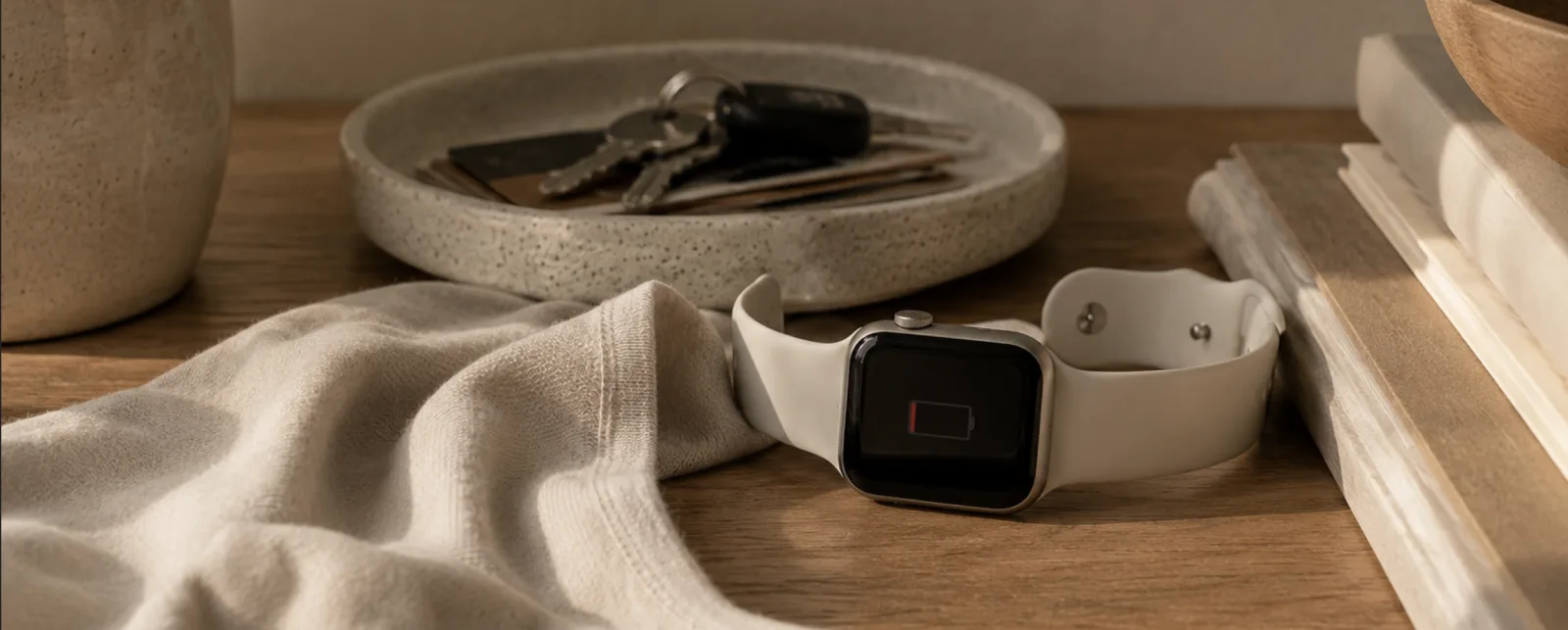
- The charger. It needs charging daily — and the classic pattern is charging overnight, which removes protection exactly when night-time falls happen.
- Soft falls. Detection is tuned for hard impacts. Sliding off a chair, sinking down from dizziness, a gentle crumple — frequently no trigger.
- The wrist itself. Every day it must be worn, snug, with Wrist Detection on. Watches end up on nightstands; protection ends up there too.
The three questions
Is the watch right for your parent?
- Will they charge it every day, forever? Not "can they" — will they. If the honest answer is no, the watch will protect them for three weeks and then become jewellery.
- Do they leave home alone often? If yes, the watch earns its place — it's the only option on this list that follows them outside.
- Are their riskiest hours at night or in the bathroom? If yes, the watch alone can't be the plan — that's charger time and shower time. You need coverage that lives in the home.
The pattern from families we work with: the watch is a great daytime, outdoorlayer for an active parent who likes gadgets — and a poor only layer for anyone else. Full comparison of every approach:fall detection devices, compared honestly.
Covering the blind spots
What the watch can't see, home sensors can
OdeCare puts small radar and motion sensors in the home — no camera, nothing to wear or charge. It covers exactly the watch's three blind spots: night (works while the watch charges), the bathroom (water-safe rooms included), and soft falls (detected by position, not impact). Families who love the watch keep it for outings; the sensors quietly hold the home.
Questions families ask
Apple Watch fall detection: FAQ
Does Apple Watch have fall detection?
Yes — Series 4 and later, SE, and Ultra. On a detected hard fall the watch alerts the wearer; if they don't respond for about a minute, it calls emergency services and messages emergency contacts with location.
How do I turn it on for an elderly parent?
Watch app on the paired iPhone → Emergency SOS → Fall Detection. At profile age 55+, it's on automatically. Keep Wrist Detection on and the band snug — both are required for detection to work.
Can a parent use Apple Watch without their own iPhone?
Yes — Family Setup runs a cellular watch from an adult child's iPhone. Requires a cellular model and a supporting carrier plan; some features are reduced versus having a paired iPhone.
What falls does it miss?
Soft, slow events — sliding from a chair, gently sinking to the floor — often don't trigger the hard-fall signature. And nothing is detected when the watch is charging, in the shower, or left on the nightstand.
Is the watch enough for a senior living alone?
As the only system — risky: nightly charging, soft falls and wear-dependence are structural gaps. As the outdoor layer of a two-part setup (watch outside, home sensors inside) it works very well.
Keep reading