Smart Home for Elderly Parents: Build Around the Routine
A practical smart home plan for elderly parents: choose devices by the problem, test failure modes, protect privacy and name who answers each alert.
A smart home for elderly parents should remove friction from a few important routines. If it adds six apps, three hubs and a new support job for the family, it has missed the point.
Start with the moment that keeps causing trouble: crossing a dark hall, missing the doorbell, forgetting whether the stove is off or losing the phone. One repeated friction gives the system a job that can be tested.
Skip the gadget list. Follow one ordinary day and find the moments where the home asks too much.
Start with three frictions
Imagine the route at 2:10 a.m. The bedroom is dark. The light switch is across the room. The bathroom floor is colder and more slippery than the hallway. A phone is charging in the kitchen. The useful first intervention may be lighting that turns on before the first step, not a tablet on the fridge.
Write down no more than three recurring problems:
- Seeing and moving: dark routes, awkward switches, difficult doors or temperature changes.
- Remembering: appointments, medicine times, cooking timers or locking up.
- Reaching somebody: making a call, hearing the door or getting help after an event.
Describe the behavior, not the product. “Light must be on before Mum leaves bed” is testable. “Install smart lights” is only a shopping instruction.
Match the device to the job
| Problem | Possible device | What it can do | What to verify |
|---|---|---|---|
| Dark night route | Motion-triggered or scheduled lighting | Turn lights on without finding a switch | Coverage, brightness and manual control |
| Missed reminders | Speaker, clock or phone reminder | Deliver a cue at a set time | Can the person hear, understand and dismiss it? |
| Water or air hazard | Leak, smoke or carbon-monoxide alarm | Signal a specific environmental event | Certification, placement, sound and remote alerts |
| Exterior door concern | Door contact sensor | Report open or closed state | Who is notified and what the event does not prove |
| Hard-to-reach help | Voice calling, wearable or installed monitoring | Start a contact or alert route | Power, connectivity, coverage and responder |
Keep essential controls usable without the app. A visitor should still be able to turn on a lamp. The older person should not need an account recovery email to change the temperature. Automation should remove steps, not hide them.
Where voice assistants help
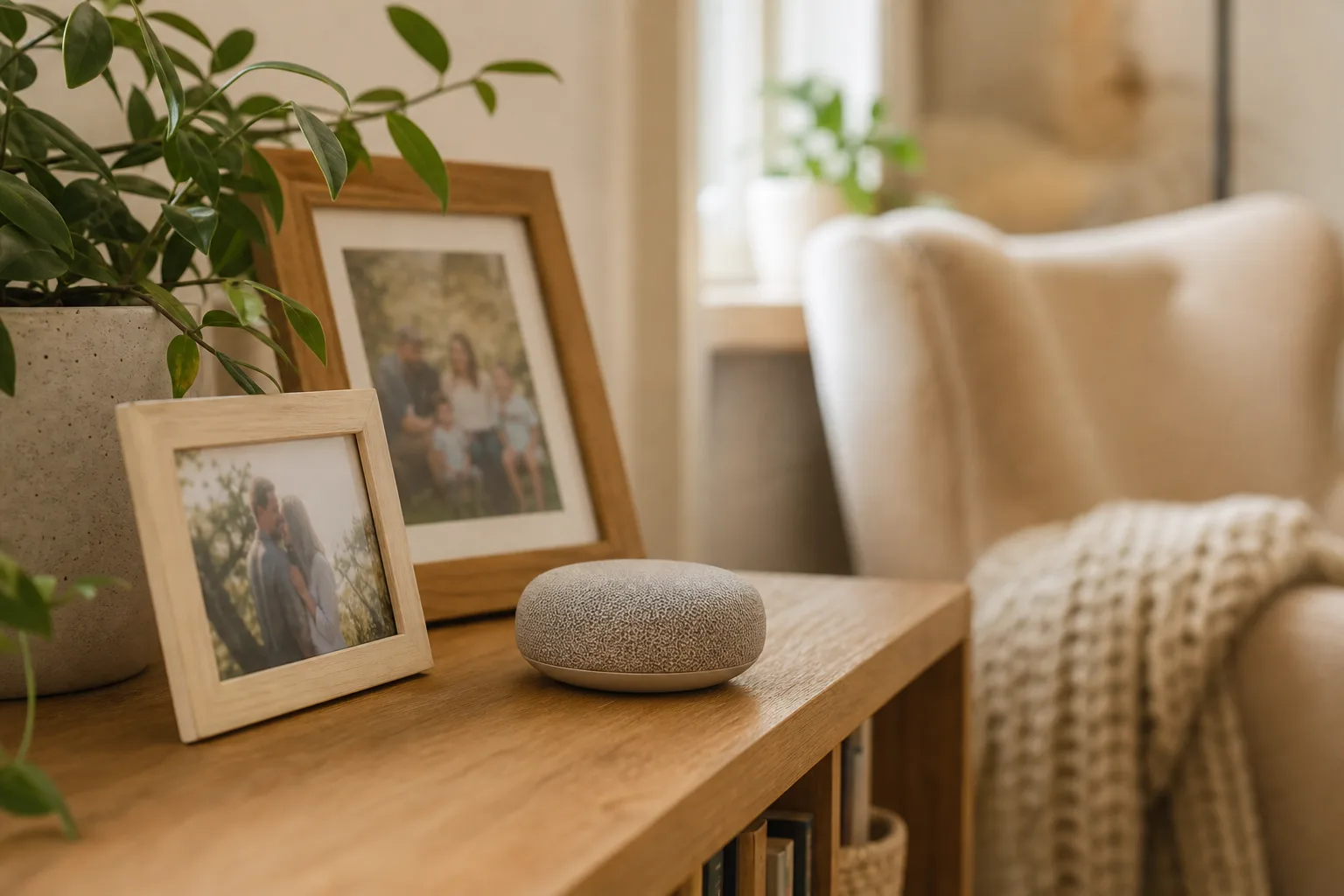
A smart speaker can be useful when voice is easier than a small screen. It can set a timer, announce a reminder, play radio, place supported calls and control compatible lights. Try the exact command in the exact room. Speech, hearing, accent, background television and distance all affect whether the interaction feels easy.
Do not make one spoken command the only emergency route. The device may lose power or internet; the person may be in another room or unable to speak. Review the provider’s current emergency-calling behavior and account permissions. If relatives can use remote features, agree what access is acceptable.
Monitor without a camera
A family often wants one answer: “Has today changed enough that I should call?” A camera provides a view, but somebody still has to open or watch it. It also brings private-room, access and security questions. If video is not necessary for the job, use a lower-data signal.
Non-camera devices can show limited events:
- A door sensor records that a door opened or closed, not who used it or why.
- A motion sensor records movement in its covered area, not wellbeing.
- A smart plug records appliance power, not whether a meal was eaten.
- Radar can interpret supported movement events without producing a video or audio feed, but performance depends on the room, placement and system.
The Alzheimer’s Association technology guidance recommends treating location and smart-home tools as parts of a wider safety plan. It also notes that no location system is perfectly accurate and that technology does not equal round-the-clock companionship. The same discipline applies to home sensors: know the signal, delay, recipient and response.
For a fuller privacy comparison, see our guide to monitoring an elderly parent without a camera.
Test before you trust it
Run a two-week trial with an exit condition. The person using the home should know what is being tested and be able to say what feels intrusive or annoying.
- Test the normal day. Can the person use the device without help?
- Test the miss. Who receives an alert, and do they understand it?
- Test the outage. What still works when internet or power is unavailable?
- Test the visitor. Do cleaners, carers, pets or family create confusing signals?
- Review the data. Who has access, what is retained and how is it deleted?
Keep a device when it reduces work or closes a named gap. Remove it when the family cannot explain what action its signal should trigger.
Where OdeCare fits
OdeCare is designed for the gap between a daily call and a camera feed. Small wall-mounted radar, motion, door and climate sensors connect through a home hub. Nothing has to be worn, charged or pressed inside the covered home, and the system does not create video or audio.
The mobile app can show configured alerts plus sleep, night getting-up, activity, kitchen activity and changes against the person’s own pattern. A lower-activity week or more interrupted nights is a reason to call and ask, not a diagnosis. Supported events can notify configured family or staff contacts automatically, so discovery does not depend on somebody checking a camera.
The trade-offs are concrete: the home hub needs mains power and internet, home sensors do not follow the person outdoors, exact room coverage depends on the plan, and partner operator monitoring is available only where included in the agreed service. Confirm supported events, hardware, contact channels, installation, price and current market availability before choosing a kit.